
Quest Game Tuner
Quest Game Tuner 2.0
New Installation Experience
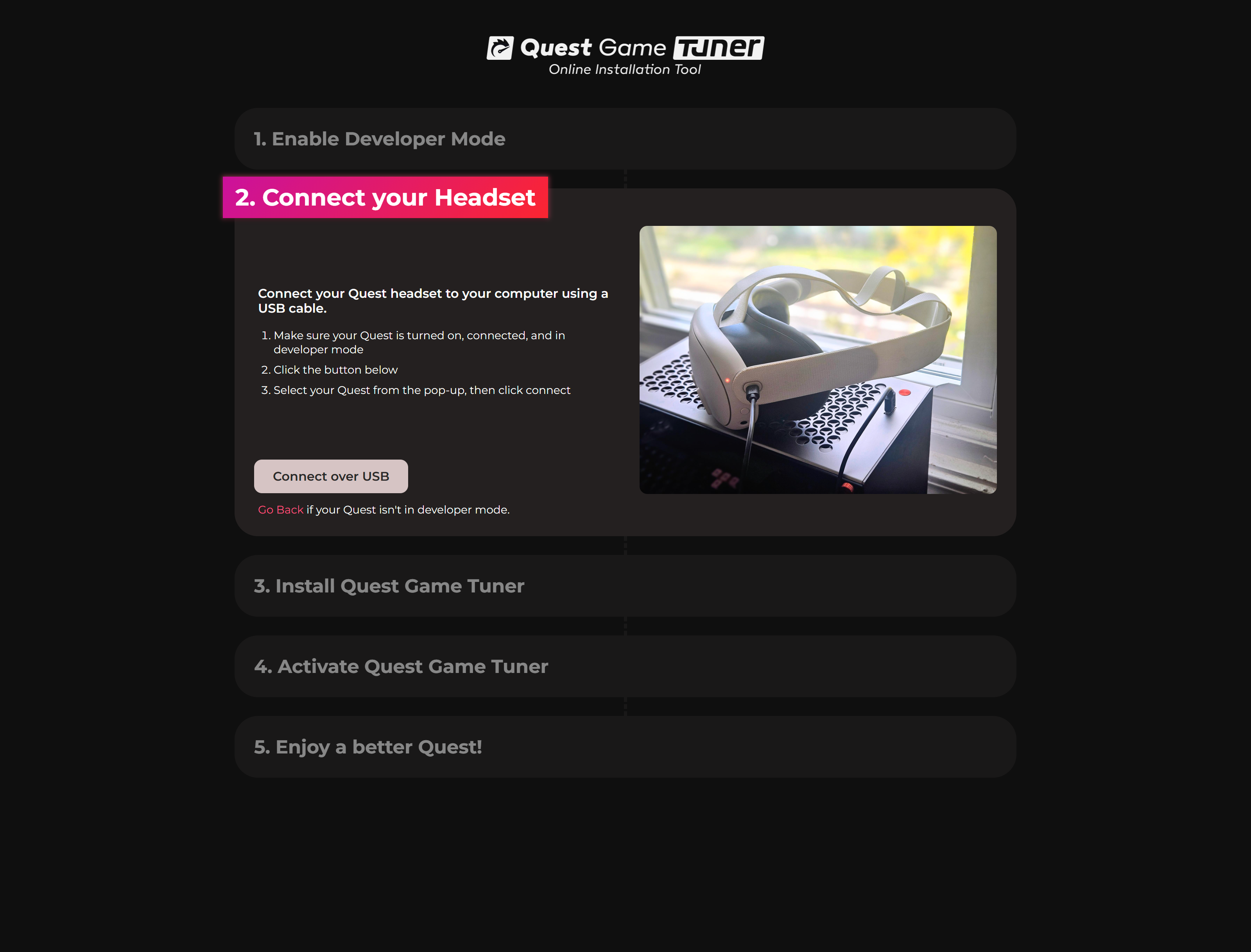
It's now easier than ever to install & set up Quest Game Tuner!
Just open threethan.github.io/get-tuner on your computer and follow the five simple, guided steps.
Auto-Tuning v6
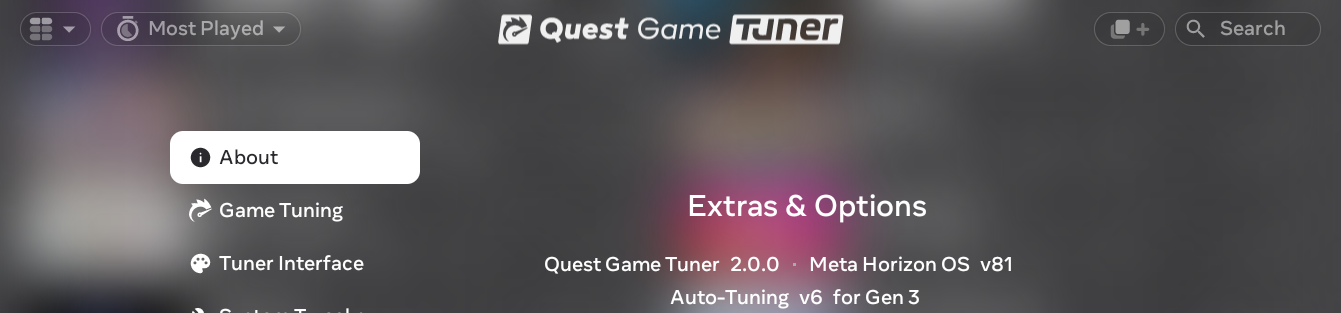
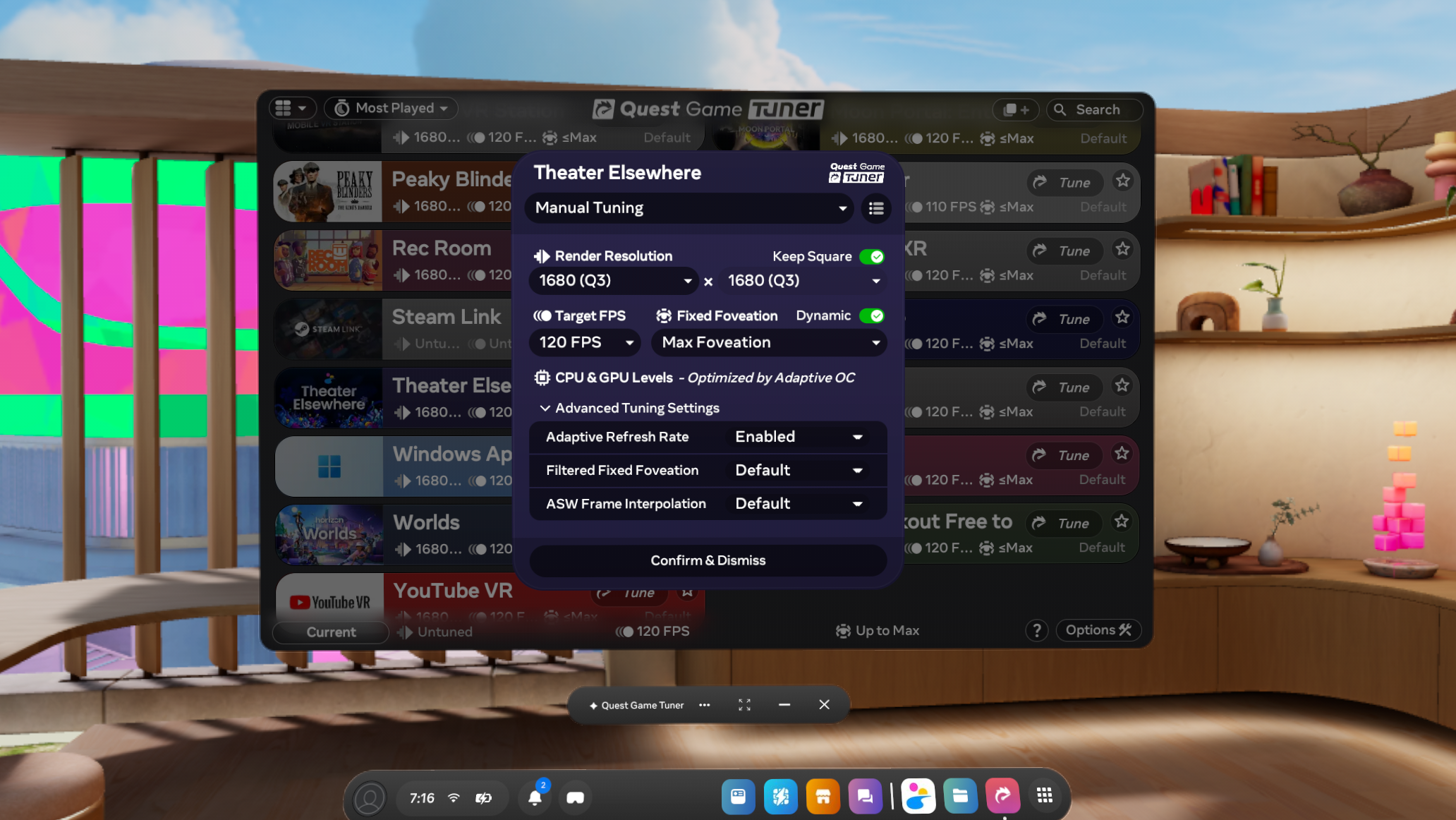
- New "Balanced" profile gives a modest blend of resolution and FPS
- Smarter tuning of all games, especially more demanding titles, using on-device machine learning
- Greatly improved auto-tuning for apps which can't be found on the Meta Quest Store
Auto-Overclocking by Default
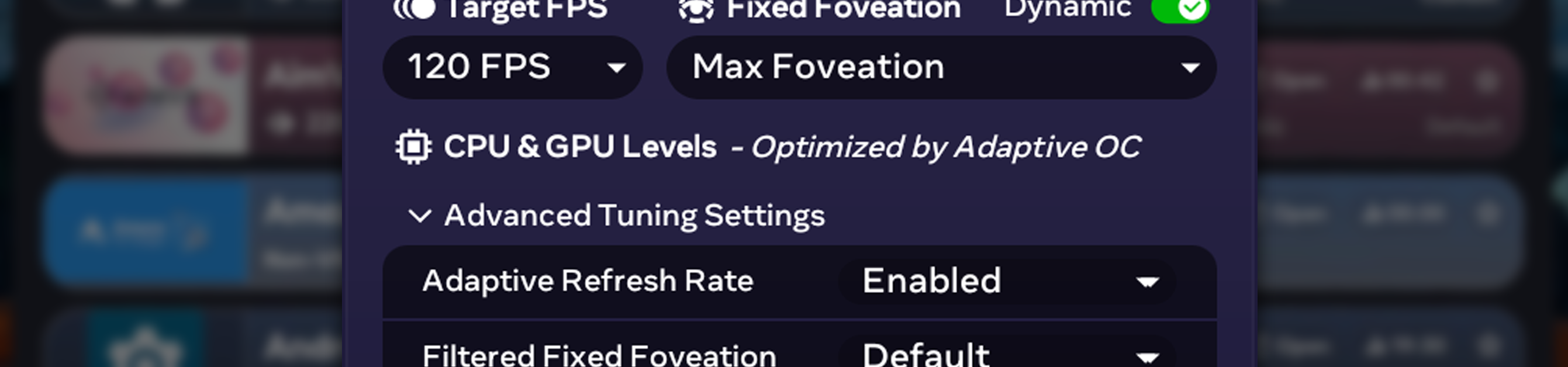
- Auto-overclocking has undergone numerous under-the-hood improvements, is no longer considered experimental
- Auto-overclocking will more effectively utilize the full range of clock speeds on all devices and OS versions
- It is now on by default to give you the best mix of performance and battery at all times
App Collections
- Create a collection by pressing the "New Collection" button on the top bar and select apps to add
- Auto-tuning profiles can be applied to an entire collection at once
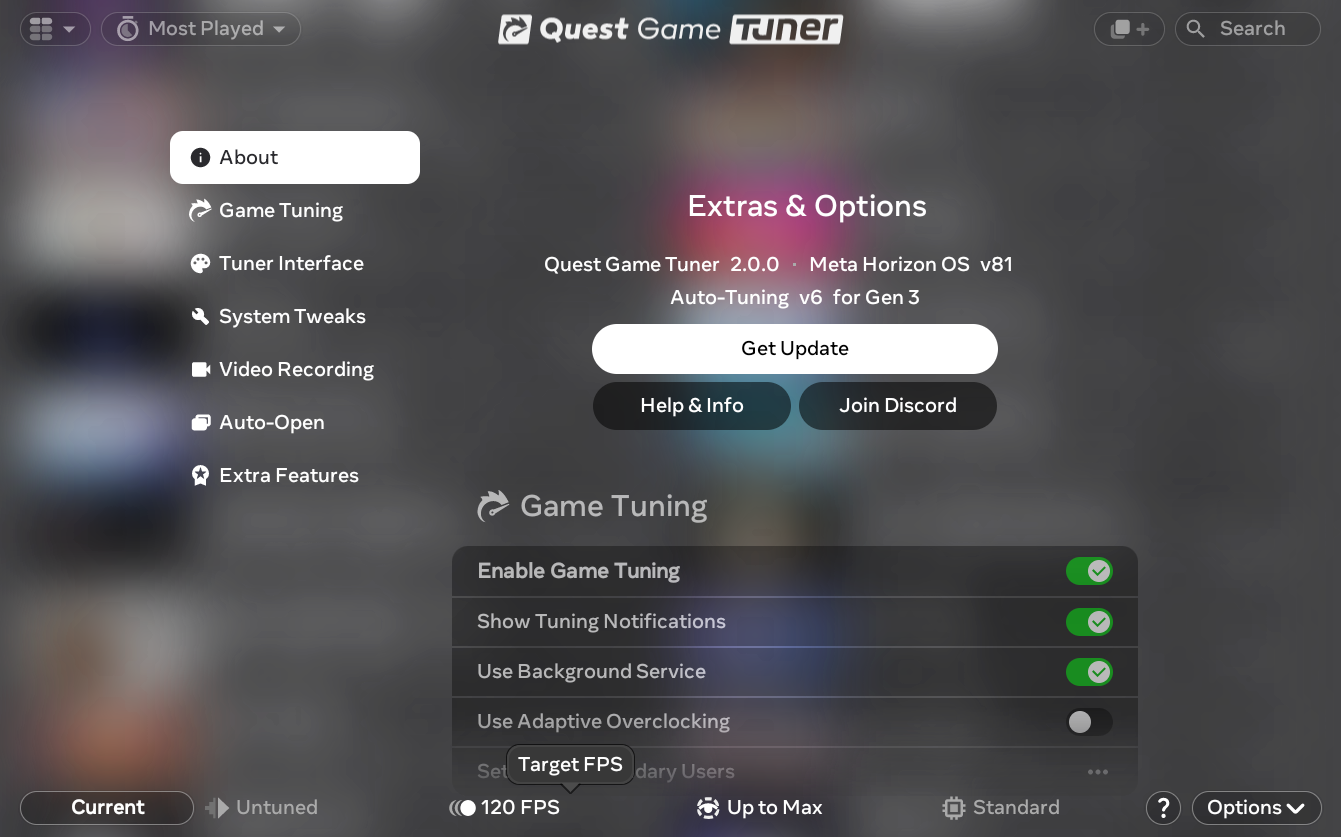
Reworked UI
- The entire interface has been given a new look and feel
- Many of Quest Game Tuner's countless features have been made easier to identify and understand
Themes!
- 12 new colorful themes can be selected in settings, effecting the whole UI
- You can set custom backgrounds and decide how to colorize the app list too
Customize the App List
- New pane options have been added, letting you see apps' icons in a grid
- Additional sorting options have been added
2.0.1 - Bug Fixes
- Improved the experimental on-device setup experience
- Fixed: Balanced Auto-Tuning could output 720x720 instead of 'untuned' resolution
- Fixed: Online installer stuck at step 4 under certain circumstances
Comments
Log in with itch.io to leave a comment.
Great stuff!