
Quest Game Tuner
How to Send & Schedule Gifts on Itch.io
Buying a Gift on Itch.io
It's easy to buy a game or app as a gift on itch.io.
1. Click Buy Now
2. Check Give this tool as a gift
3. Continue with your purchase

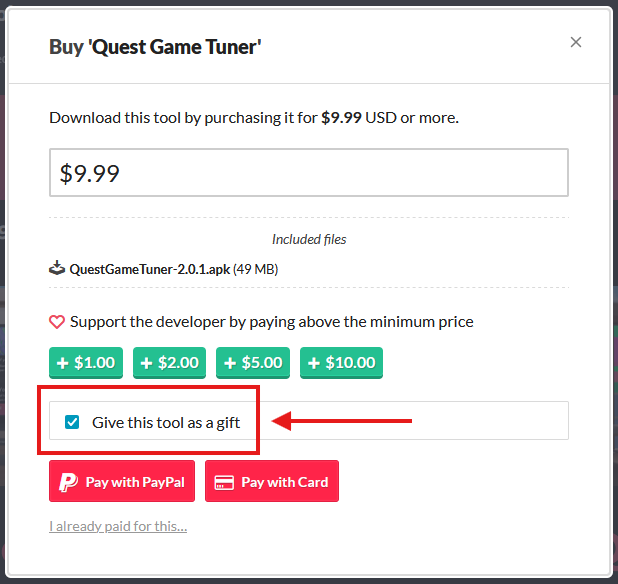
After payment, you'll get a prompt to enter a recipient email, and you can even add a message.
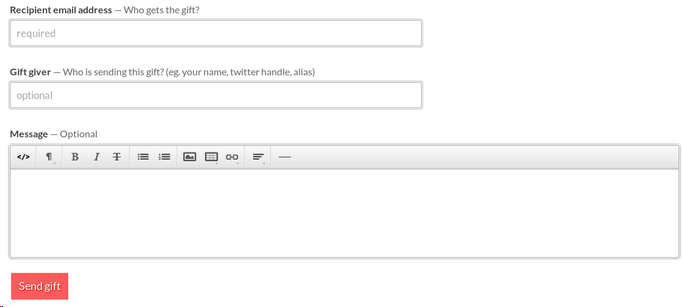
Note that clicking Send Gift will send it right away.
Scheduling a Gift
Itch.io doesn't offer any built-in way to send scheduled gifts, but that doesn't mean you're out of luck.
If an app is only available on itch.io:
This method will work for all apps in itch.io.
Start by purchasing a gift like normal:
1. Click Buy Now
2. Enter your own email or itch.io login (double check this!)
2. Check Give this tool as a gift
3. Enter your payment info and make the purchase
Don't proceed with the gift right away!
Instead, check your email - you should have an email from itch.io with a link to send the gift you just purchased. Once you have the link, you can close your browser.
Set yourself a reminder now. When it's time for the gift to be sent, you can open the link from your email and use it to quickly send out the gift copy without needing to purchase again.

This isn't quite automatic, but it's the best you can do for many of the titles listed on itch.io.
If an app offers external keys:
Some apps and games on itch.io offer keys for external stores & services, like Steam.
If an app or game offers download keys, sending it on a schedule is easy!
Quest Game Tuner uses it's own 6-digit keys to activate purchases. These are totally shareable, so this method will work great!
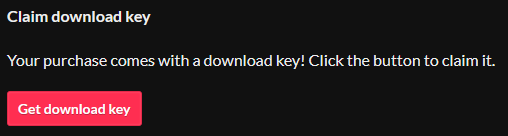
If you know that a key will come with your purchase, you can make the purchase for yourself, get the key from itch.io, then schedule-send that to the recipient.
First, make sure the app or game even offers an external key!
1. Click Buy Now
2. Enter your own email or log-in to itch.io
3. Complete the purchase. The download page will open up automatically.
4. Click the button to Claim External Key
5. Copy that key!
Next, write a message to the gift recipient. Paste their key somewhere in the message, and be sure to tell them how to use it.
For Steam keys, link them here. For Quest Game Tuner keys, link them to the install guide
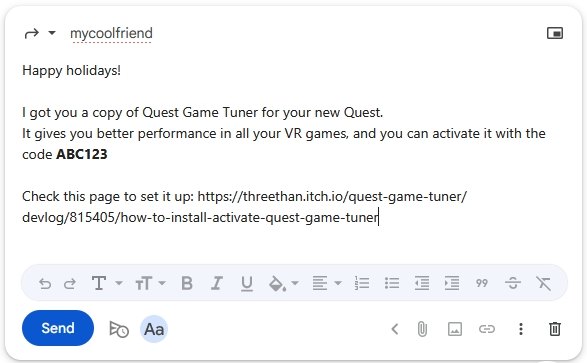
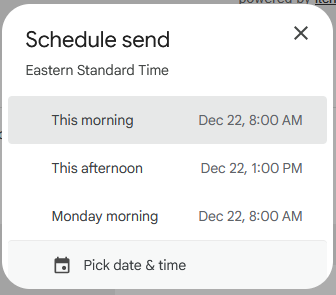
Finally, schedule-send the message.
You can easily schedule-send text messages from iOS or Android, or schedule-send emails from Gmail
Leave a comment
Log in with itch.io to leave a comment.